How to Run and Record Toolbox Talks Digitally (Including AI Transcription)
Most crews already run toolbox talks. The weak point is usually the record. A sign-on sheet with a topic scrawled at the top, a few illegible signatures, and nothing about what was actually discussed does not tell a safety manager much, and it tells an investigator even less. Running toolbox talks digitally fixes the record without making the talk itself any longer.
The short answer
To run and record toolbox talks digitally, use a toolbox talk app to choose a topic, deliver the talk on site, record attendance and sign-off on a phone or tablet, capture what was discussed (typed, or recorded and transcribed), and raise actions for any hazards raised. The app time-stamps everything and stores it centrally, which gives you an audit trail without any paperwork.
This how-to guide covers what to record, a toolbox talk template you can adapt, how attendance and sign-off should work, how AI transcription fits in, and what to look for when comparing safety meeting apps. For the bigger-picture case for going digital, see our article on paper vs digital toolbox talks and safety culture.
What is a toolbox talk?
A toolbox talk is a short, informal safety briefing, usually 5 to 15 minutes, held on site before a shift or task. A supervisor or team leader covers one topic relevant to the work ahead, such as working near live services, manual handling, or a recent near miss, and invites the crew to raise hazards. Toolbox talks are common in construction, mining, utilities, oil and gas, and manufacturing.
Are toolbox talks a legal requirement in Australia?
The model WHS laws do not use the term "toolbox talk" or make them mandatory in a set format. They do require a person conducting a business or undertaking (PCBU) to consult workers on health and safety matters so far as is reasonably practicable (section 47 of the model WHS Act) and to provide the information, training, and instruction workers need to work safely (section 19 and regulation 39). Safe Work Australia's model Code of Practice: Work health and safety consultation, cooperation and coordination explains what effective consultation looks like.
Toolbox talks are one of the most practical ways to meet those duties, and a good record is how you show that you did. Each state and territory regulator administers its own version of the WHS laws, and Victoria operates under the Occupational Health and Safety Act 2004 rather than the model Act, so check the wording that applies where you work.
What should a toolbox talk record include?
- When and where: date, start time, duration, site, and work area or GPS location.
- Who led it: the presenter's name and role.
- The topic and key points: what was covered and why it matters for today's work.
- Discussion: questions and hazards raised by the crew, in their words where possible.
- Attendance: every attendee, including contractors, with sign-off.
- Actions: anything that needs to be fixed or followed up, with an owner and due date.
- Supporting material: the related safe work method statement (SWMS), procedure, or incident, plus photos where helpful.
Toolbox talk template
Use this structure as the basis for a toolbox talk form in your app. The field list stays the same for every talk; only the topic content changes.
| Field | What to capture | Example |
|---|---|---|
| Date, time, duration | Captured automatically by the app | 14 Oct, 6:45 am, 12 min |
| Site and work area | Pick list plus GPS stamp | Northern pump station, wet well |
| Presenter | Logged-in user | Site supervisor |
| Topic | From your topic library | Confined space entry |
| Why it matters today | One or two sentences | Entry planned this morning for valve replacement |
| Key points covered | Checklist of points from the topic | Permit, gas test, standby person, rescue plan |
| Crew questions and hazards raised | Typed notes or transcribed recording | Gas detector calibration date queried |
| Actions | Description, owner, due date | Confirm detector calibration before entry: supervisor, today |
| Attendees | Name, company, signature | 6 crew, 2 contractors |
| Attachments | Photos, SWMS, permit | Confined space permit, SWMS reference |
How to run a toolbox talk on a toolbox talk app
- Pick a relevant topic. Choose from your library or create one based on today's task, a recent incident, or a trend from inspections.
- Open the talk on your phone or tablet. The app records the time, site, and presenter automatically, even with no signal.
- Deliver the key points. Keep it short and specific to the work ahead.
- Ask open questions. "What could go wrong on this job today?" gets better answers than "Any questions?"
- Capture the discussion. Type notes, or record the talk and let the app transcribe it.
- Raise actions on the spot. Assign an owner and due date for any hazard that needs follow-up.
- Collect attendance and sign-off. Each attendee signs on the device before work starts.
- Submit. The record syncs to the central system as soon as the device has a connection.
Attendance, sign-off, and the audit trail
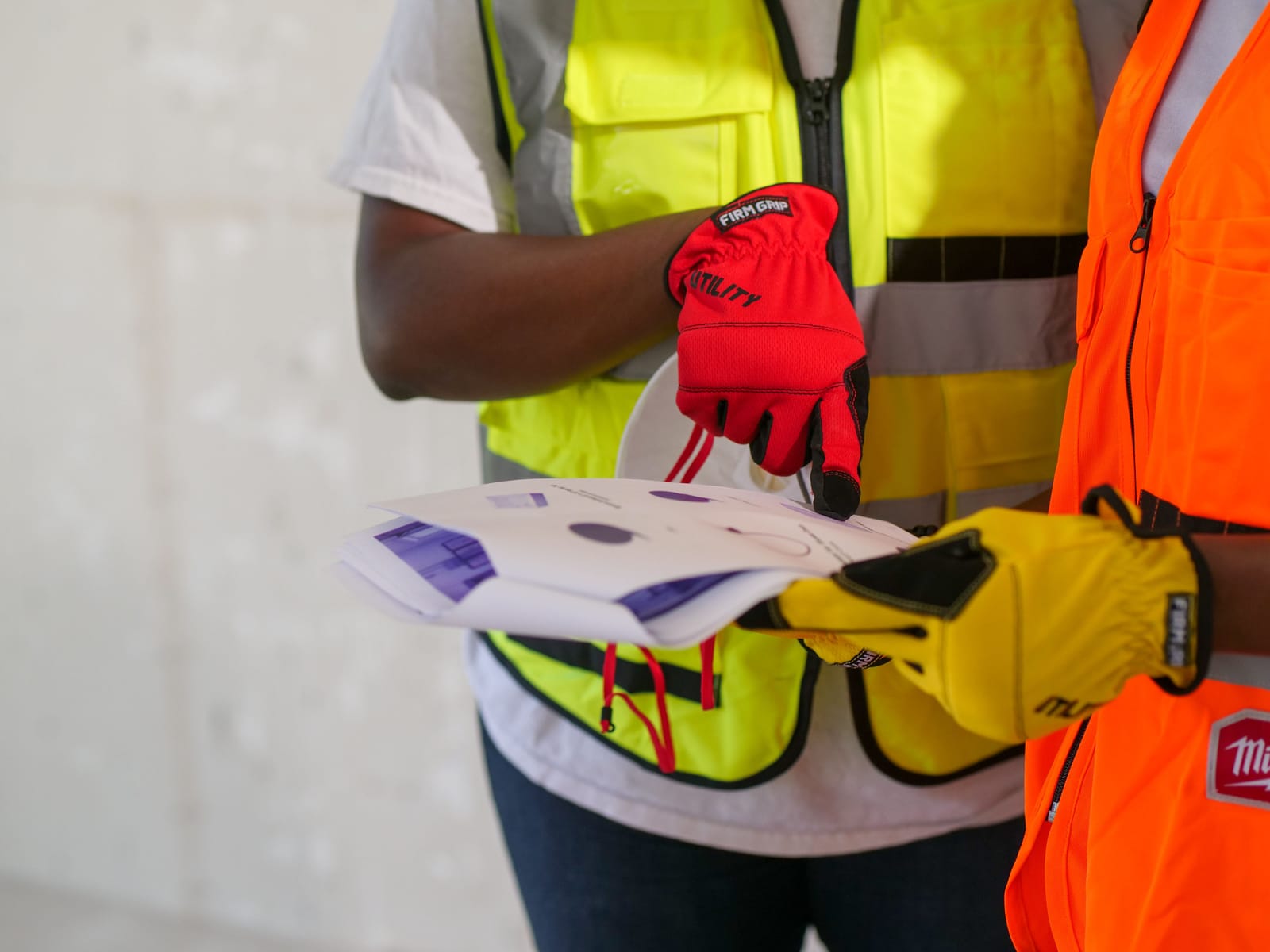
Attendance is the part of a toolbox talk record most likely to be questioned after an incident. A digital record is stronger than a paper sheet for three reasons: every signature is tied to a time and place, the record cannot be quietly filled in afterwards without leaving a trace, and attendance can be checked against the crew list to show who missed the briefing.
Keep every talk, including the transcript or notes, attendees, and actions, linked to the site and the work it relates to. When an auditor or investigator asks what the crew was told before a task, the answer is one search away, not a box of folders.
AI transcription for construction toolbox talks and safety meetings
AI meeting transcription is the newest part of digital toolbox talks. Instead of the supervisor trying to write notes while leading the talk, the app records the discussion and converts it to searchable text. That captures crew questions and hazards in their own words, which handwritten summaries usually lose.
A few practical points before you rely on it:
- Tell attendees the talk is being recorded. Surveillance and listening device laws differ between states and territories, so make the recording obvious and include it in your site procedures.
- Manage background noise. Hold the talk away from running plant where you can, and keep the device near the speaker.
- Review the transcript. Transcription can misread technical terms and names. The presenter should check key points before submitting.
- Use the text, not just the audio. The value of transcription is that topics and hazards become searchable and can be analysed across many talks.
Pervidi's toolbox talk software lets supervisors record talks by voice or typed notes on a smartphone, then automatically uploads and transcribes them. Pervidi AI analyses talks across teams to surface recurring safety concerns and trends, and to show attendance and participation by site or crew.
What to look for in safety meeting apps
When comparing the best apps for toolbox talks and safety meetings, test each one against these criteria:
- Offline operation: talks happen where coverage is worst.
- Fast sign-off: a crew of 15 should be signed on in a couple of minutes.
- Voice recording and transcription, not just a free-text box.
- Actions linked to the talk, with owners, due dates, and reminders.
- A topic library you control and can update centrally.
- Reporting on attendance, topics covered, and recurring hazards by site.
- Connection to the rest of your safety system, so a hazard raised in a talk can become an inspection, a corrective action, or an incident record.
Capturing toolbox talk records in field service software
For field service and maintenance teams, toolbox talks belong next to the work, not in a separate app. When the talk is recorded in the same platform as inspections and work orders, you can link a pre-job talk to the job it covered, show that the crew was briefed before entering a confined space, and see whether hazards raised in talks match the defects found in inspections.
In Pervidi, toolbox talks sit in the same platform as digital inspections, incident management, and work orders. The app works offline, and corrective actions can be documented on the spot. It is used across construction, mining, oil and gas, and manufacturing, supported by a Melbourne-based team.
Frequently Asked Questions
What is a toolbox talk app?
A toolbox talk app lets a supervisor choose a topic, deliver a short safety briefing on site, capture the discussion by typing or voice recording, collect attendance and signatures on a phone or tablet, and raise actions, with everything time-stamped and stored centrally.
Are toolbox talks mandatory in Australia?
The model WHS laws do not mandate toolbox talks by name, but they require PCBUs to consult workers on health and safety and to provide information, training and instruction. Toolbox talks are a common, practical way to meet those duties and to record that you did.
Can AI transcribe toolbox talks?
Yes. Some toolbox talk apps record the talk and automatically transcribe it into searchable text. Pervidi records talks on a smartphone, transcribes them automatically, and uses AI to identify recurring safety concerns and trends across teams.
Do workers need to sign a digital toolbox talk record?
Signed attendance is the strongest evidence that a worker received the briefing. A digital app captures each signature with the time and location, which is harder to dispute than a paper sign-on sheet.
Can toolbox talks be recorded without mobile coverage?
Yes, with an offline-capable app. Pervidi lets supervisors deliver talks and collect sign-off with no network coverage, and the record syncs automatically once the device reconnects.
Naaman Shibi is a VP at Pervidi Software, leading the adoption of AI-powered inspection and compliance solutions across industries including mining and construction. With more than 25 years of experience in digital transformation, Naaman has helped organisations replace paper processes with efficient mobile technology. His focus is on delivering practical innovations, from AI image integration to predictive maintenance, that empower frontline teams and improve operational outcomes.
Ready to record your next toolbox talk in minutes?
See how Pervidi records, transcribes, and signs off toolbox talks on a smartphone, even offline, and surfaces recurring hazards across crews.
Book a Demo