Utility, Pipeline and Tunnel Inspection Software: Inspecting Linear and Underground Assets
A factory's assets sit under one roof. A utility's assets stretch for hundreds of kilometres along easements and road reserves, run underground, or sit inside tunnels where there is no mobile signal and no GPS. Inspecting linear and underground assets well comes down to three questions a paper form cannot answer reliably: exactly where was this defect, what did it look like, and did the record make it back to the office?
The short answer
Utility, pipeline, and tunnel inspection software needs three capabilities above all: precise location for every finding (GPS above ground, chainage or tagged reference points underground), a native app that works fully offline, and annotated defect photos linked to the exact asset and checklist item. Each finding should then become a tracked work order in the same system.
What makes linear and underground assets different to inspect?
Linear assets such as power lines, water mains, sewers, and pipelines are long, repetitive, and often remote. A defect is only useful if the crew sent to fix it can find it again. Underground assets add two more problems: no GPS signal, and in many cases no mobile data, sometimes in spaces classed as confined spaces under the WHS Regulations and AS 2865.
The result is that utility inspection on paper tends to lose location precision, lose photos, and arrive at the office days after the inspection. Each of those gaps adds time and risk to the repair.
The three capabilities that matter most
Location you can trust
Above ground, every finding should carry a GPS coordinate captured automatically by the device, not typed by the inspector. Underground and inside tunnels, where satellite positioning does not reach, location comes from structured references instead: chainage, ring or segment numbers, pit and manhole IDs, or barcodes and QR codes fixed at known points. Good software supports both, so the same defect report works whether the inspector is on a pole route or 2 kilometres into a tunnel.
Offline mode that actually works
Browser-based tools that need a live connection fail exactly where utility inspections happen. A native mobile app should store the asset list, templates, and previous findings on the device, let the inspector complete every inspection with no signal, and sync automatically when the device reconnects.
Defect photos that tell the story
A photo of a crack or corrosion is only evidence if it is linked to the right asset, location, and checklist item, time-stamped, and annotated to show what the inspector saw. Repeat photos of the same defect over successive inspections show whether it is getting worse.
Utility inspection
Utility inspection covers a wide mix of assets, often managed by the same organisation:
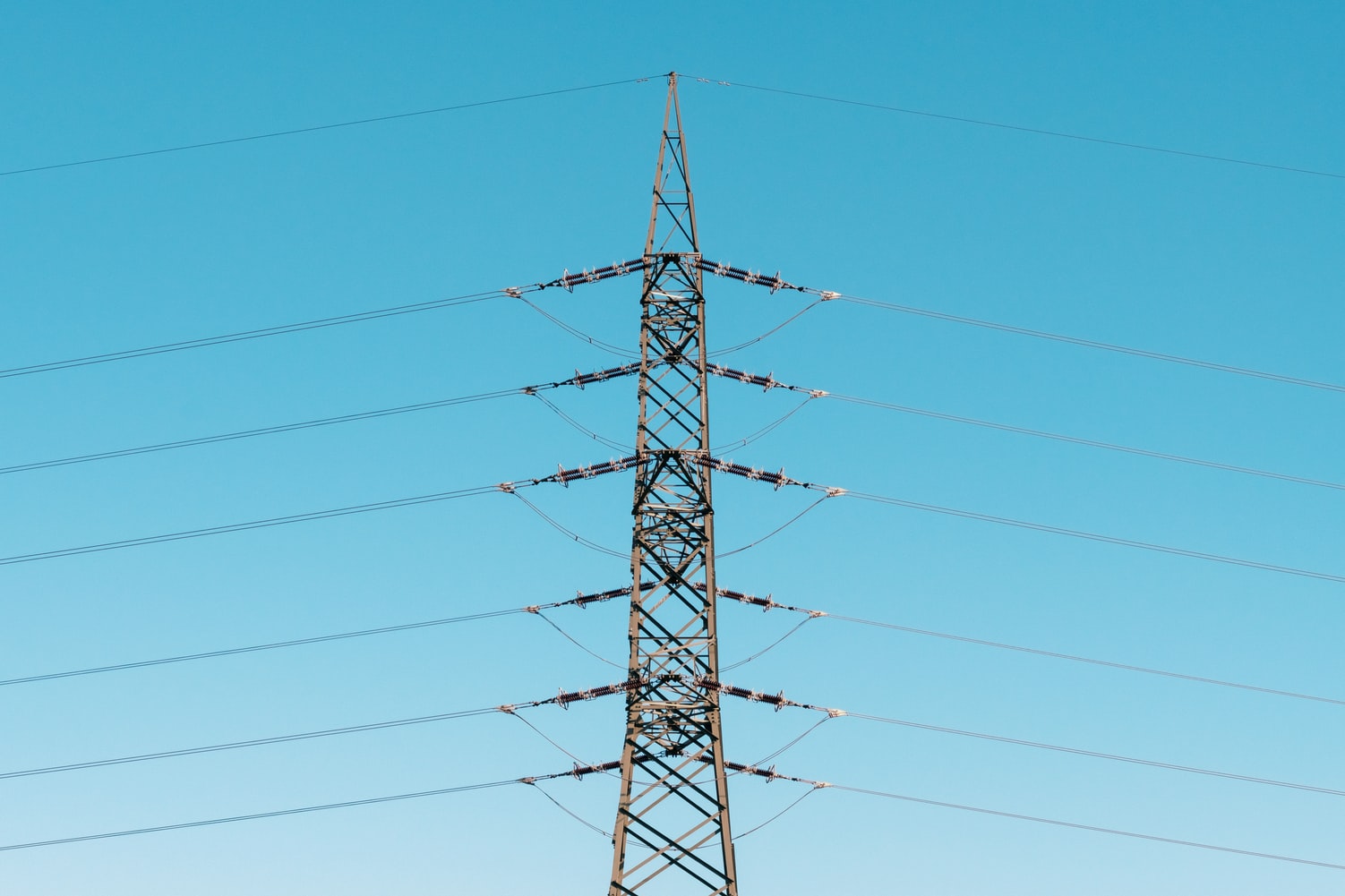
- Electricity networks: poles, crossarms, conductors, pole-top equipment, vegetation clearance, and substations. Network operators manage these within an electricity network safety management system, for which AS 5577 sets national requirements, alongside each state's electricity safety legislation.
- Water and sewer networks: mains, valves, hydrants, pump stations, reservoirs, and manholes. CCTV inspection of sewers and stormwater drains in Australia is commonly coded using WSA 05-2020, the Conduit Inspection Reporting Code of Australia, published by the Water Services Association of Australia.
- Depots and facilities: plant, vehicles, chemical storage, and fire equipment that support the network.
Vegetation clearance distances, inspection cycles, and reporting duties differ between states and between network operators, so templates need to reflect the rules each operator works under. Our earlier article on utility inspection using paperless applications covers how utility inspections link with OHS workflows.
Pipeline inspection software
High-pressure gas and liquid petroleum pipelines in Australia are operated and maintained under AS 2885.3:2022 (Pipelines: Gas and liquid petroleum, Part 3: Operation and maintenance), which replaced the 2012 edition. Pipeline licensing and safety oversight sit with the relevant state or territory technical regulator. Typical field inspections that pipeline inspection software should support include:
- Easement or right-of-way patrols: erosion, subsidence, washouts, and vegetation.
- Third-party activity and encroachment: excavation, new construction, or crossings near the pipeline, recorded with GPS location and photos.
- Marker signs: presence, condition, and visibility along the route.
- Cathodic protection test points: readings captured as numbers with pass and fail limits, so trends can be reported.
- Above-ground facilities: valve sites, scraper stations, and compressor or pump stations.
Pipeline teams also respond to Before You Dig Australia (BYDA) referrals, and linking those to patrol records helps show that third-party works were monitored.

Tunnel inspection software
Road, rail, and utility tunnels combine structural inspection with complex mechanical, electrical, and fire safety systems. Tunnel inspection software needs to handle both:
- Structure: lining cracks, spalling, water ingress, and joint condition, located by chainage and segment or ring number.
- Fire and life safety systems: AS 4825-2011 Tunnel fire safety sets the framework for fire safety systems in road, rail, and bus tunnels, while routine servicing of fire protection equipment commonly follows AS 1851.
- Ventilation, lighting, drainage, and communications: planned maintenance checks with readings and fault reporting.
- Access and egress: cross-passages, emergency doors, signage, and walkways.
Because tunnels have no GPS and often no signal, offline capture and fixed location references matter more here than anywhere else. For more on the practical side, see our article on tunnel inspections using mobile devices.
Comparing inspection needs across asset types
| Asset type | Typical findings | How location is captured | Key reference |
|---|---|---|---|
| Electricity network | Pole decay, damaged crossarms, vegetation | GPS plus pole or asset ID | AS 5577 |
| Sewer and stormwater | Cracks, root intrusion, deformation | Manhole IDs and distance along conduit | WSA 05-2020 |
| Gas and liquid petroleum pipelines | Encroachment, erosion, CP readings out of range | GPS and route kilometre point | AS 2885.3:2022 |
| Road and rail tunnels | Lining defects, water ingress, fire system faults | Chainage, ring or segment number, QR tags | AS 4825-2011, AS 1851 |
Where Pervidi fits
Pervidi's native mobile app runs fully offline and captures GPS and time stamps, annotated photos, barcode or RFID scans, and electronic signatures with every inspection. Findings raise corrective actions and work orders against the same asset record, so defects found on a patrol become scheduled repairs. Pervidi AI image recognition helps identify cracks, corrosion, and leaks in inspection photos, while comparison reports show how asset condition changes between inspection runs.
For field equipment that moves between sites, GPS asset tracking adds live location to the same asset records. Pervidi is built for utilities and infrastructure teams, can be deployed in the cloud or on-premises, integrates with SAP, Oracle, and other ERP systems, and is supported by a Melbourne-based team with more than 25 years of inspection software experience.
Frequently Asked Questions
What is utility inspection software?
Utility inspection software lets field crews inspect network assets such as poles, lines, mains, sewers, and pump stations on a mobile device, capturing GPS location, photos, and readings, and turning defects into work orders in a central system.
How do you record defect locations in tunnels without GPS?
Use structured location references instead of satellite positioning: chainage, ring or segment numbers, and barcodes or QR codes fixed at known points. Inspection software should store these against each finding just as it stores GPS coordinates above ground.
Which Australian Standard covers pipeline operation and maintenance?
AS 2885.3:2022 (Pipelines: Gas and liquid petroleum, Part 3: Operation and maintenance) covers the operation and maintenance of high-pressure gas and liquid petroleum pipelines. Licensing and safety oversight are handled by state and territory regulators.
Does pipeline inspection software need to work offline?
Yes. Pipeline easements, pump stations, and valve sites are often outside mobile coverage. A native app that stores routes, templates, and previous findings on the device lets patrols continue without signal and sync later.
Naaman Shibi is a VP at Pervidi Software, leading the adoption of AI-powered inspection and compliance solutions across industries including mining and construction. With more than 25 years of experience in digital transformation, Naaman has helped organisations replace paper processes with efficient mobile technology. His focus is on delivering practical innovations, from AI image integration to predictive maintenance, that empower frontline teams and improve operational outcomes.
Ready to inspect pipelines, networks, and tunnels without losing a single defect?
See how Pervidi captures located, photo-backed findings offline and turns each one into a work order against the right asset.
Book a Demo